
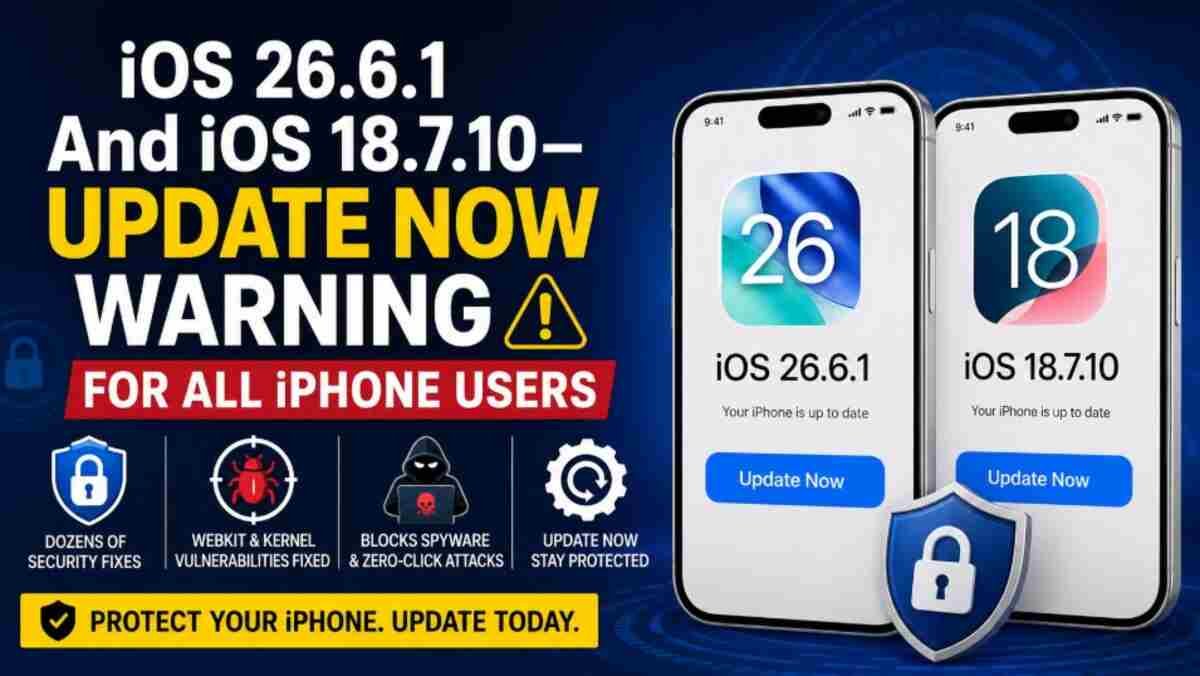
Apple has released iOS 26.6.1 and iOS 18.7.10 for iPhone users, bringing important security fixes and bug patches. Apple’s release information indicates that both updates were made available on August 10, 2026, with iOS 26.6.1 carrying build number 23G82 and iOS 18.7.10 carrying build number 22H373.
For iPhone users, the message is simple: check for the update and install the latest security release available for your device.
Apple generally limits the amount of technical information it publishes immediately after a security update. This approach gives users time to install the patches before detailed vulnerability information becomes more widely available. Apple says its security documents identify vulnerabilities by CVE number when possible.
Why iOS 26.6.1 and iOS 18.7.10 Matter
The latest updates are particularly important because they address vulnerabilities affecting components that are central to iPhone security, including WebKit, ImageIO and the iOS Kernel.
WebKit is the technology behind Safari and is responsible for processing web content. Security vulnerabilities in browser engines can be dangerous because specially crafted web content may potentially trigger software flaws.
The iOS Kernel is even more fundamental because it sits at the core of the operating system. Vulnerabilities affecting the Kernel can potentially provide attackers with deeper access to a device.
Apple’s recent security documentation shows that vulnerabilities involving maliciously crafted images and other content can result in consequences ranging from unexpected application termination to memory corruption or arbitrary code execution.
What’s New in iOS 26.6.1?
iOS 26.6.1 is a security-focused update for supported iPhone models.
Apple released iOS 26.6.1 on August 10, 2026. The update follows iOS 26.6, which Apple released on July 27 and which contained a substantial collection of security fixes.
Among the security areas Apple has been addressing are vulnerabilities involving image processing, the Kernel and other system components.
Image-processing vulnerabilities deserve particular attention because attackers can sometimes exploit flaws by getting specially crafted content onto a target device. Apple’s previous security documentation, for example, describes an ImageIO vulnerability in which processing a maliciously crafted image could lead to arbitrary code execution.
What’s Included in iOS 18.7.10?
Apple also released iOS 18.7.10 for iPhones that remain on the iOS 18 software branch.
The release is important for owners of older supported devices because Apple continues to provide security protections to devices that aren’t running the newest major iOS version. Apple has previously emphasized that keeping iOS updated is important for protection against web-based attacks and other security threats.
The iOS 18.7.10 release was published on August 10, 2026, with build number 22H373.
Why WebKit and Kernel Vulnerabilities Are Serious
Two categories of vulnerabilities deserve particular attention when discussing iPhone security: WebKit flaws and Kernel vulnerabilities.
A WebKit vulnerability can potentially be triggered when an iPhone processes maliciously crafted web content. Because Safari and other Apple technologies rely on WebKit, vulnerabilities in this component can have significant security implications.
Kernel vulnerabilities are potentially even more serious because the Kernel operates at the heart of the operating system. Depending on the vulnerability and the attack chain involved, successful exploitation could potentially provide an attacker with powerful access to the device.
Apple’s security advisories routinely document vulnerabilities involving memory corruption, use-after-free conditions, buffer overflows and other classes of security flaws.
Could These Bugs Be Used to Install Spyware?
Security vulnerabilities in mobile operating systems can sometimes become components of sophisticated attack chains used by commercial spyware or other advanced malware.
However, it is important not to overstate the current threat. The availability of a security patch does not automatically mean that every vulnerability has been exploited in real-world attacks.
Apple’s policy is to provide additional technical information about security vulnerabilities after patches become available. This helps reduce the risk that attackers can immediately exploit newly disclosed weaknesses against users who have not yet updated.
Apple has also previously warned iPhone users about highly targeted attacks involving malicious web content and spyware, reinforcing the importance of keeping devices updated.
Why You Should Update Your iPhone Now
Security updates are often easy to ignore because they may not introduce visible features or major design changes. But security patches can be among the most important updates an iPhone receives.
Once technical details about vulnerabilities become publicly known, attackers and security researchers can better understand how the underlying flaws work. Installing the patch reduces the window of exposure.
Apple itself recommends keeping iPhones updated and has stated that newer iOS releases contain stronger security protections.
How to Install iOS 26.6.1 or iOS 18.7.10
If your iPhone has not updated automatically, you can manually check for the latest software:
- Open Settings.
- Tap General.
- Select Software Update.
- Check for the available iOS update.
- Tap Update Now or Download and Install.
- Follow the on-screen instructions.
Before installing a major software update, it is sensible to ensure that your iPhone has sufficient battery power or is connected to a charger and that important data is backed up.
iOS 26.6.1 vs iOS 18.7.10: Which One Should You Install?
The answer depends on the iOS version supported by your iPhone.
| iOS Version | Intended Users | Build |
|---|---|---|
| iOS 26.6.1 | iPhones eligible for the iOS 26 branch | 23G82 |
| iOS 18.7.10 | Supported iPhones remaining on iOS 18 | 22H373 |
Apple’s release listing confirms both updates were released on August 10, 2026.
If Software Update offers iOS 26.6.1, install that update. If your iPhone remains on the iOS 18 branch and offers iOS 18.7.10, install that security update instead.
Final Verdict
iPhone users should not ignore iOS 26.6.1 or iOS 18.7.10.
These releases are primarily about keeping Apple’s mobile operating system secure rather than introducing headline-grabbing features. Vulnerabilities involving WebKit, ImageIO, the Kernel and other components demonstrate why regularly updating an iPhone is important.
If the update is available on your device, go to Settings > General > Software Update and install the latest security release.
Keeping your iPhone updated is one of the simplest ways to reduce exposure to known security vulnerabilities.




Discussion about this post